Wake-up call service
The wake-up call service that talks back — and won’t hang up until you’re up.
Hotels used to have a person on the other end. Then it was a dialler playing a recording, billed by the call. WakeYa is what came next: your own phone rings at your alarm time, an AI voice starts an actual conversation, and it keeps going until you’ve proven you’re awake.


Free for 7 days · No account · No phone number · 97 languages
See everything WakeYa does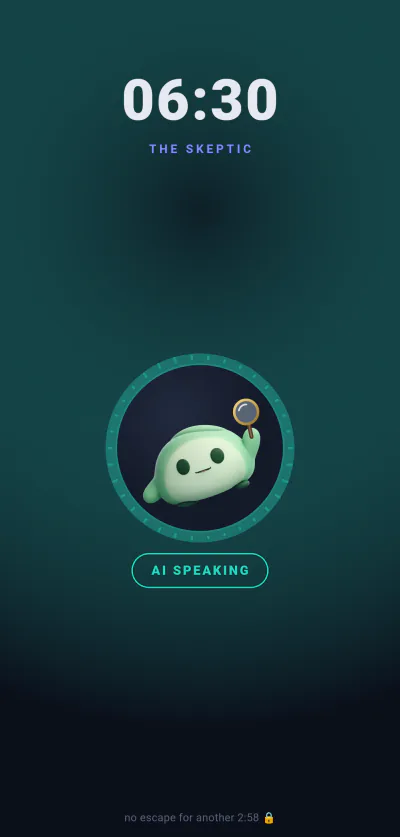
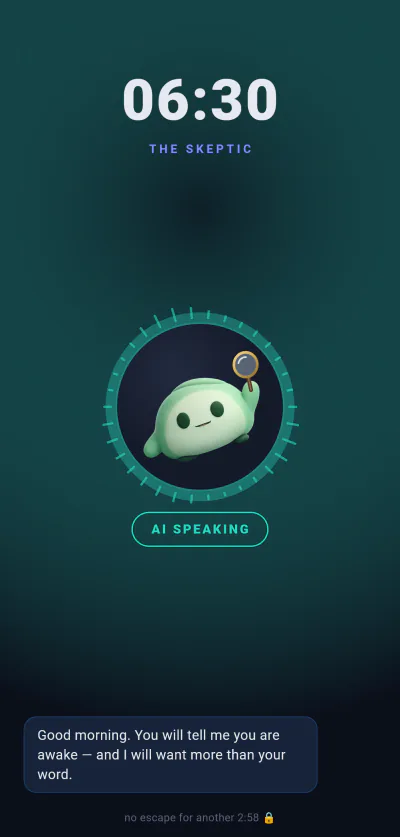
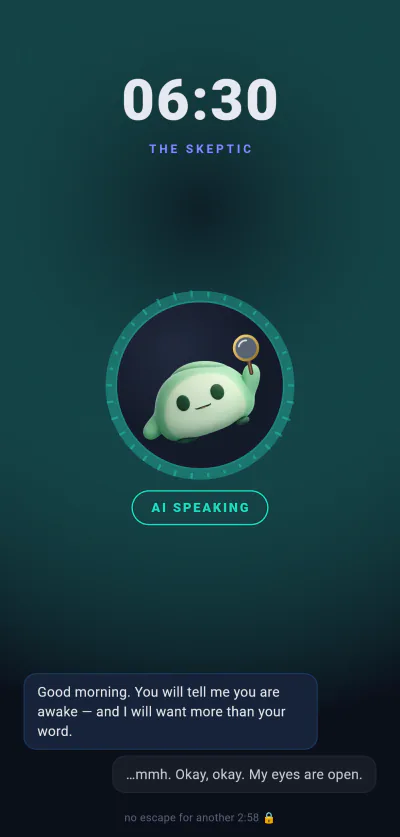
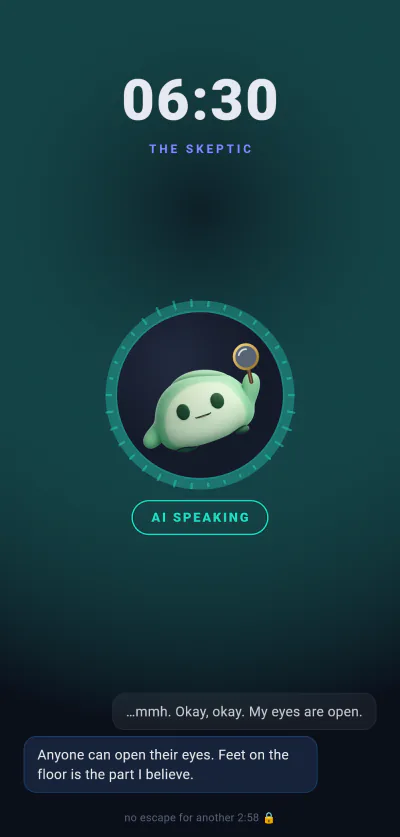




Do wake-up call services still exist?
Barely, and not in the form people remember. The hotel front desk stopped calling, and what replaced it is a short list of small websites that dial your number and play a recording on a per-call plan. Demand was never the problem. The problem is that a stranger reading a script is not meaningfully harder to hang up on than an alarm is to silence — and a recording is easier. WakeYa keeps the part that worked, a voice instead of a noise, and drops the phone network entirely.
How the call works
Three steps, and the third one is the whole product.
-
Set an alarm, not a booking
No time slot to reserve, no number to hand over. Pick a time, a personality and an intensity, and add a note if you like — “I have an exam”, “don’t let me skip the gym”. WakeYa uses it in the morning.
-
Your phone rings like a call
At wake-up time an incoming-call screen takes over the display and a voice comes through that knows your name, your day and your calendar. It opens with something specific to you. Not a chime, and not a recording you have already heard.
-
It ends when you’re awake, not when you say so
There is no snooze button to slap, and “I’m up” on its own does not work. The voice asks you things and listens to the answers, and the call ends once you have genuinely responded — proof you’re up, not just muttering.
Is there a free wake-up call service? This one, mostly.
Seven days with everything switched on, no card and no account. After that the alarm clock stays free forever — only the live AI conversation is paid.
-
No account, no phone number
Nothing to sign up for and no number to give away. Install it, set an alarm, done — which also means there is no list of customers’ phone numbers here for anyone to leak.
-
Free after the trial, genuinely
When the week ends the app stays a full alarm clock with the pre-recorded WakeYa voices and every personality included. No ads.
-
The same wherever you are
No call is placed, so there is no international rate, no roaming surcharge, and no list of countries where the service isn’t offered. 97 languages on the call, and it wakes you in yours.
-
It always rings. Always.
No connection, expired token, our servers on fire — the classic alarm sound fires anyway. The AI is the upgrade, never the alarm clock. A dialler that can’t reach you simply doesn’t call.
-
It remembers your mornings
How long you usually take, what works on you, what doesn’t. That memory lives on your phone and never reaches a server of ours.
-
Fajr mode, for the earliest call of all
WakeYa doubles as an AI Fajr alarm. Set it for your Fajr time and the call keeps one of four respectful tones, from gentle to firm. It never mocks, and it never recites religious text in an AI voice. The hardest wake-up on anyone’s calendar is the one this was built for.
A dialler service, and what replaced it
Both wake you with a voice. Only one of them is still listening after it starts talking.
| Classic wake-up call service | WakeYa | |
|---|---|---|
| Who calls | A dialler places a real phone call to your number | Your own phone rings, from the app |
| What you hear | A recording, or a stranger reading a script | A live AI voice that answers what you actually say |
| If you mumble “I’m up” | The call ends and you go back to sleep | It doesn’t believe you, and keeps going |
| What it costs | Per call, or a monthly plan on top of your phone bill | A free tier that stays free; the live AI is $7.99 a month |
| Away from home | International and roaming rates, where it’s offered at all | Identical to home — no phone network is involved |
| To start | An account, your phone number, usually a card | Nothing. No account, no number, no card |
| When something fails | No call comes, and you find out in the morning | The classic alarm fires anyway, offline |
What people ask before they switch
Do wake-up call services still exist?
A few do. The hotel front desk mostly stopped, and what is left are small dialler sites that phone your number and play a recording, usually on a per-call plan. WakeYa is the same idea without the phone network: the call rings inside the app, the voice is live, and it answers what you say instead of reading at you.
Is there a free wake-up call service?
WakeYa is free for seven days with everything switched on — no card, no account. After that the alarm clock stays free forever: real alarms, the pre-recorded WakeYa voices, every personality, no ads. Only the live AI conversation costs anything, at $7.99 a month or $49.99 a year.
Can I get a wake-up call on my phone?
Yes, and the phone is the only place WakeYa works. It does not dial your number — the app rings on your device with an incoming-call screen, so there is no call charge, no phone bill and nothing to book in advance. iPhone and Android.
Does a real person call me?
No, and it is not a recording either. The voice is an AI that hears what you say and replies to it. Nobody is on the line, and nothing is kept: the morning conversation runs live through the AI provider and is gone. We store no audio and no transcripts — there is no database here to store them in.
Does it work when I’m travelling?
Exactly as it does at home. No number is dialled, so roaming rates and international surcharges never come into it, and there is no list of supported countries. If the app is on the phone, the call happens.
What if I have no internet — do I oversleep?
No. This is the one rule we never bend: if anything at all fails — no signal, an expired token, our servers down — the classic alarm sound fires instead. The AI is the upgrade, not the alarm clock.
Can I just hang up on it?
Not right away. Depending on the intensity, there is no button that ends the call for up to three minutes, and the voice keeps going. After that a small “give up & stop alarm” link appears, so you are never trapped. By the time you have found it, you are usually awake.
Book nothing. Set one alarm.
Seven days, the full app, no card, no account and no phone number. Tomorrow morning is the test.